Instructions on withdrawing your remaining funds
If you still have funds on Sound.xyz that you haven't withdrawn, you can still withdraw directly from 0xSplits.
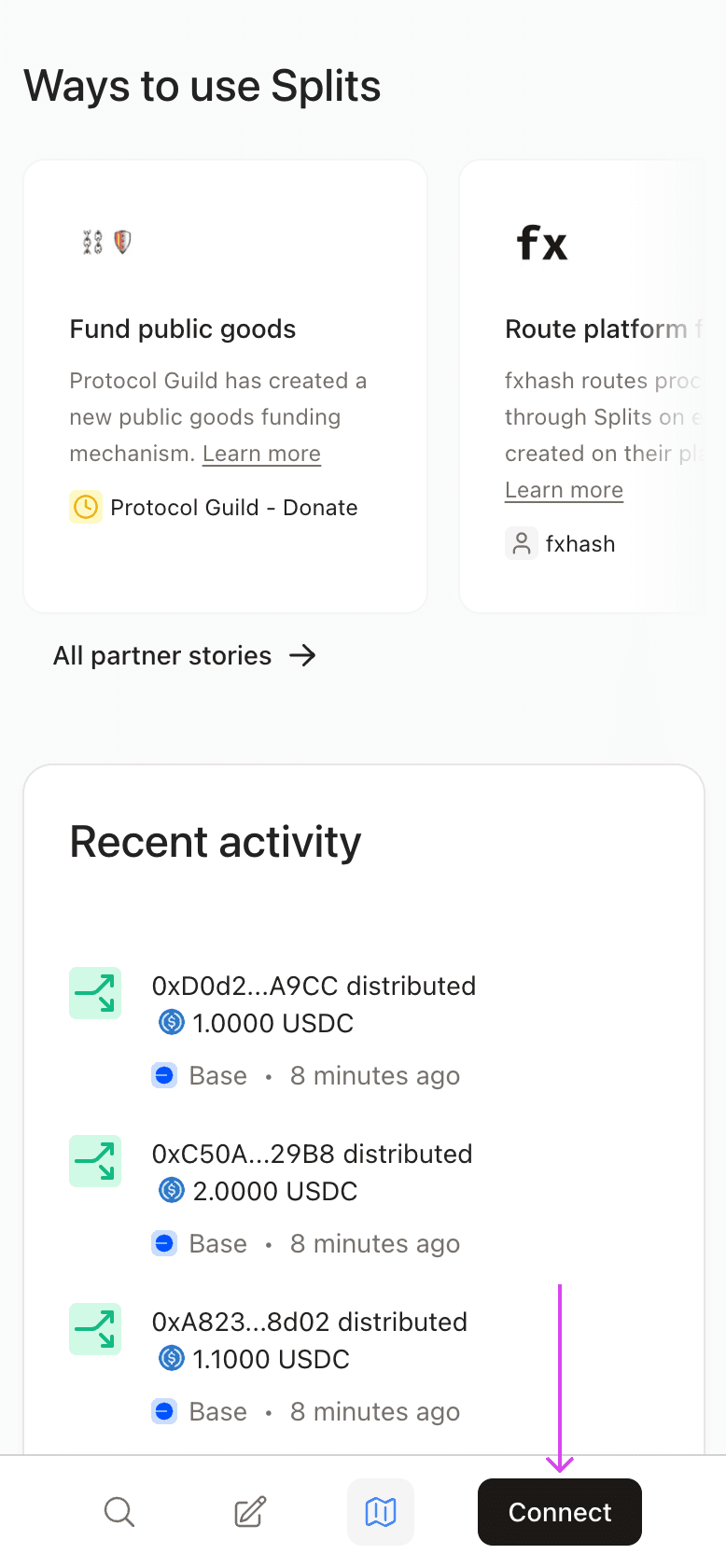
Tap on "Connect Wallet" in the bottom-left corner on desktop or bottom-right corner on mobile and connect the wallet that you used on Sound
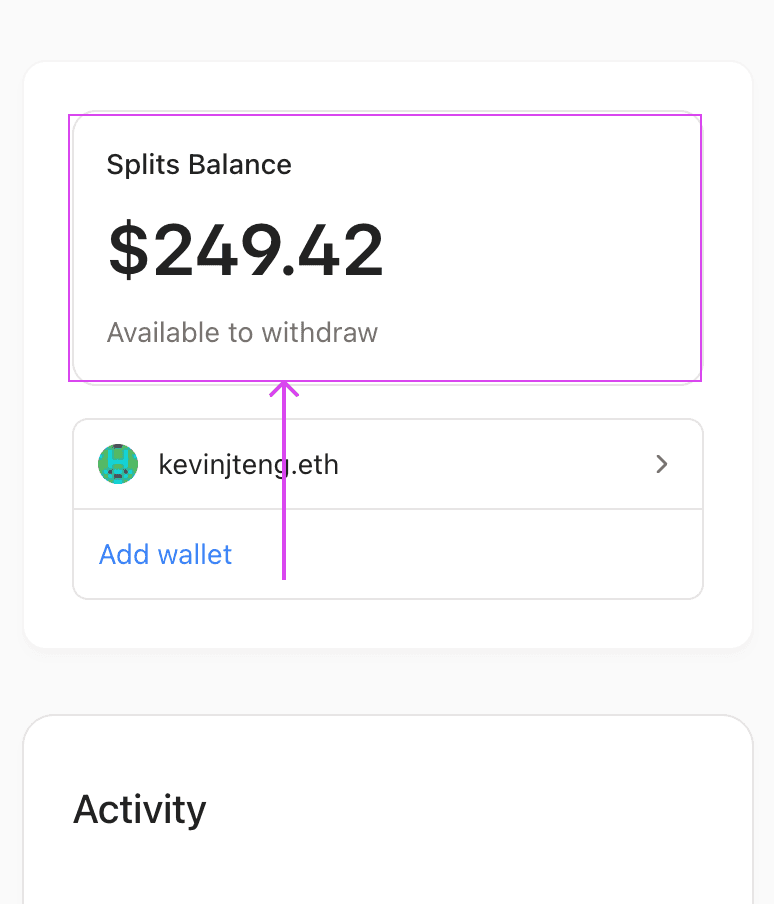
Once connected, find your "Splits Balance" and tap on "Available to withdraw"
Follow the instructions on your screen to complete your withdrawal
Note: If you signed in to Sound via email, that means you were provisioned a self-custodied wallet powered by Magic. You can obtain the private key for your wallet by following these instructions and then import your private key to Metamask